IOBS
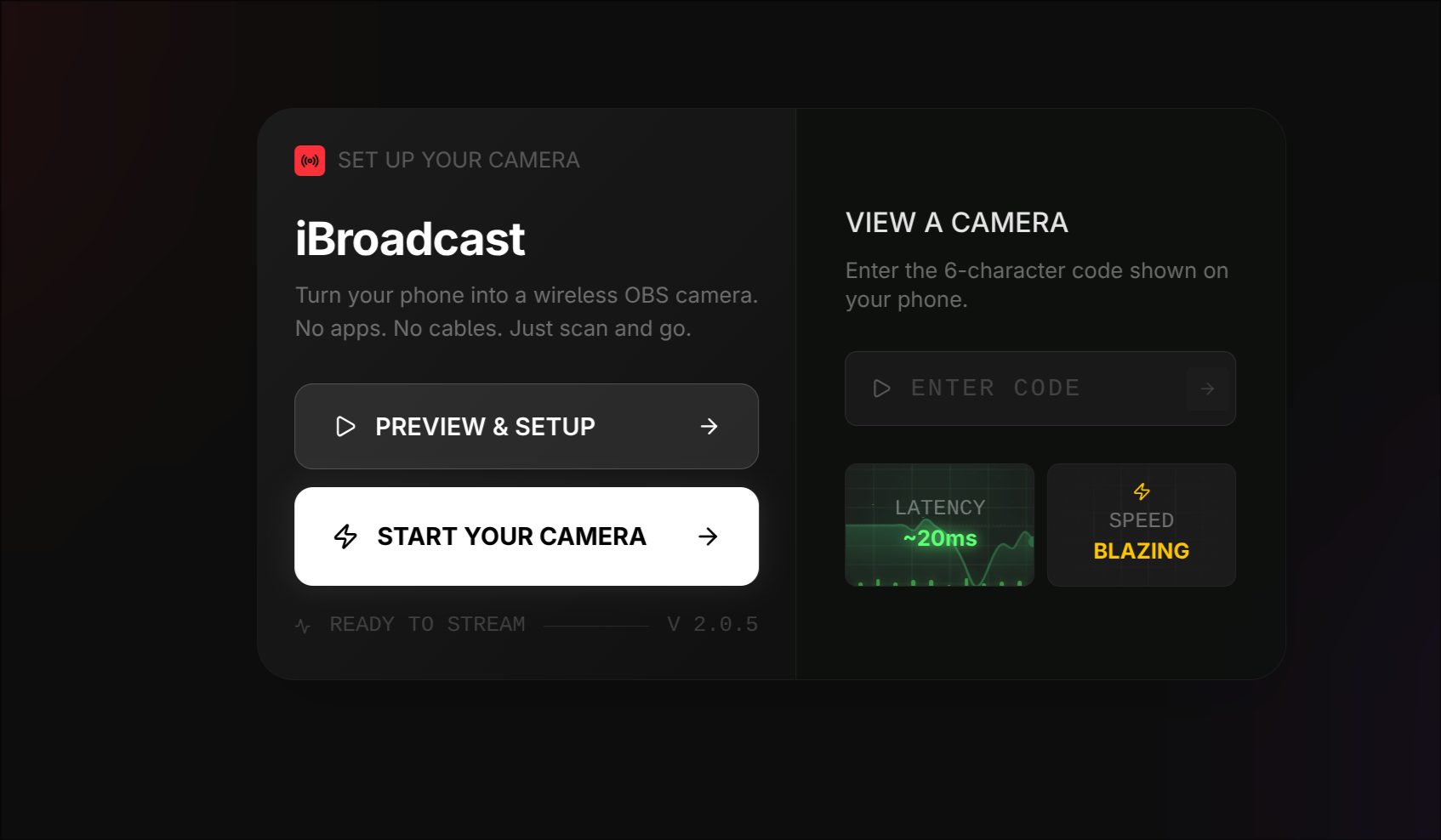
SYSTEM_ONLINEYour iPhone as a wireless camera and mic for OBS
The Problem
Setting up a secondary camera or mic for streaming shouldn’t require:
- Buying dedicated hardware
- Installing capture software
- Fighting with USB cables and drivers
- Being stuck at your desk
You already have a 4K camera and quality microphone in your pocket.
How It Works
- Start streaming from your iPhone
- Add to OBS as a browser source
- Done
No app downloads. No account signup.
Stream Video, Audio, or Both
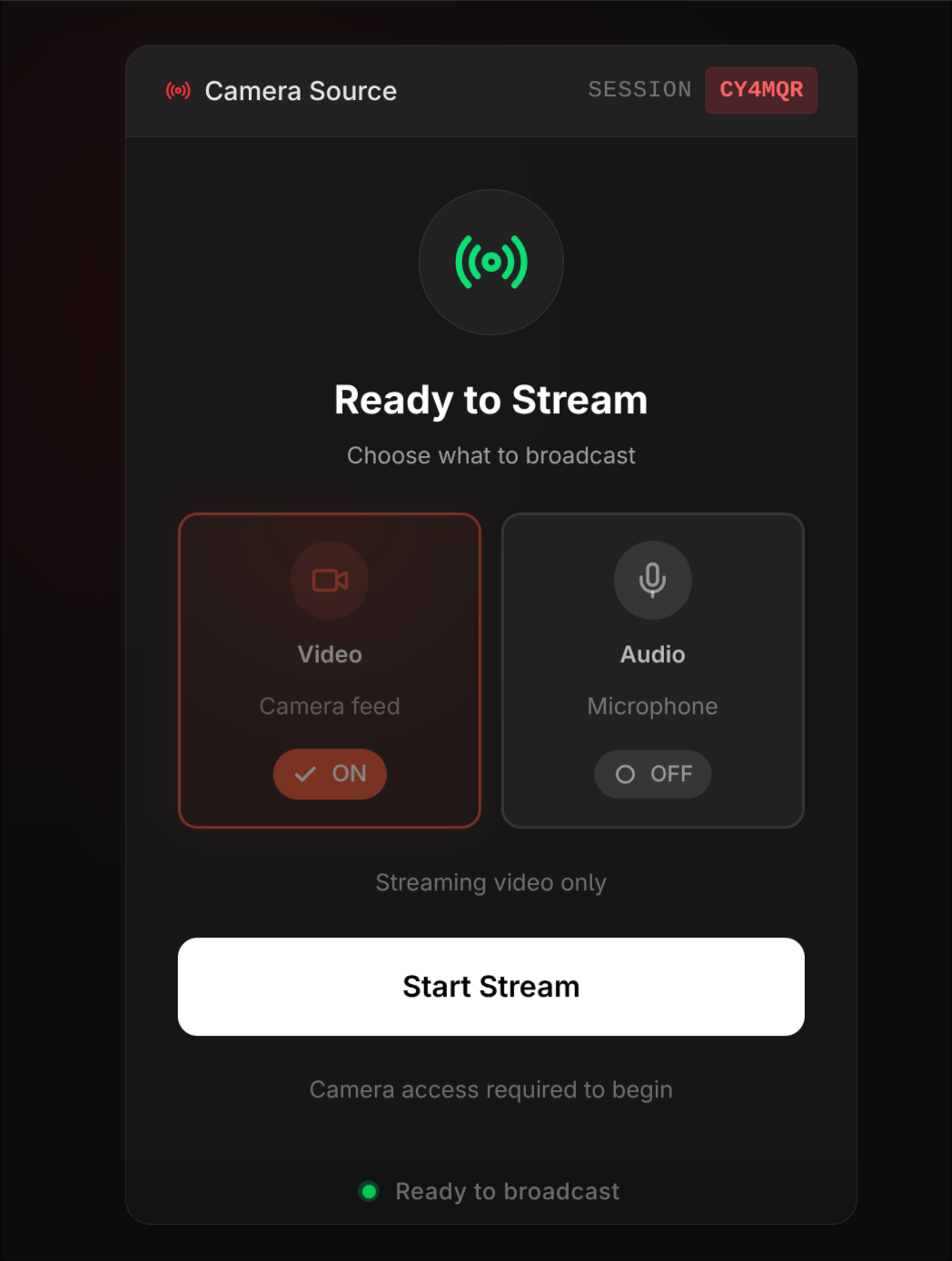
IOBS isn’t just a wireless camera—it’s a complete wireless A/V source:
- Camera only — Add a second angle without audio overlap
- Mic only — Use your iPhone as a wireless lavalier
- Both — Full wireless camera + mic in one source
Why IOBS
| Feature | IOBS | Typical Solutions |
|---|---|---|
| Setup time | Seconds | 5-15 minutes |
| Software install | None | Required |
| Network | Any WiFi, including coffee shops | LAN only |
| Encryption | DTLS-SRTP (P2P) | Varies |
Key Features
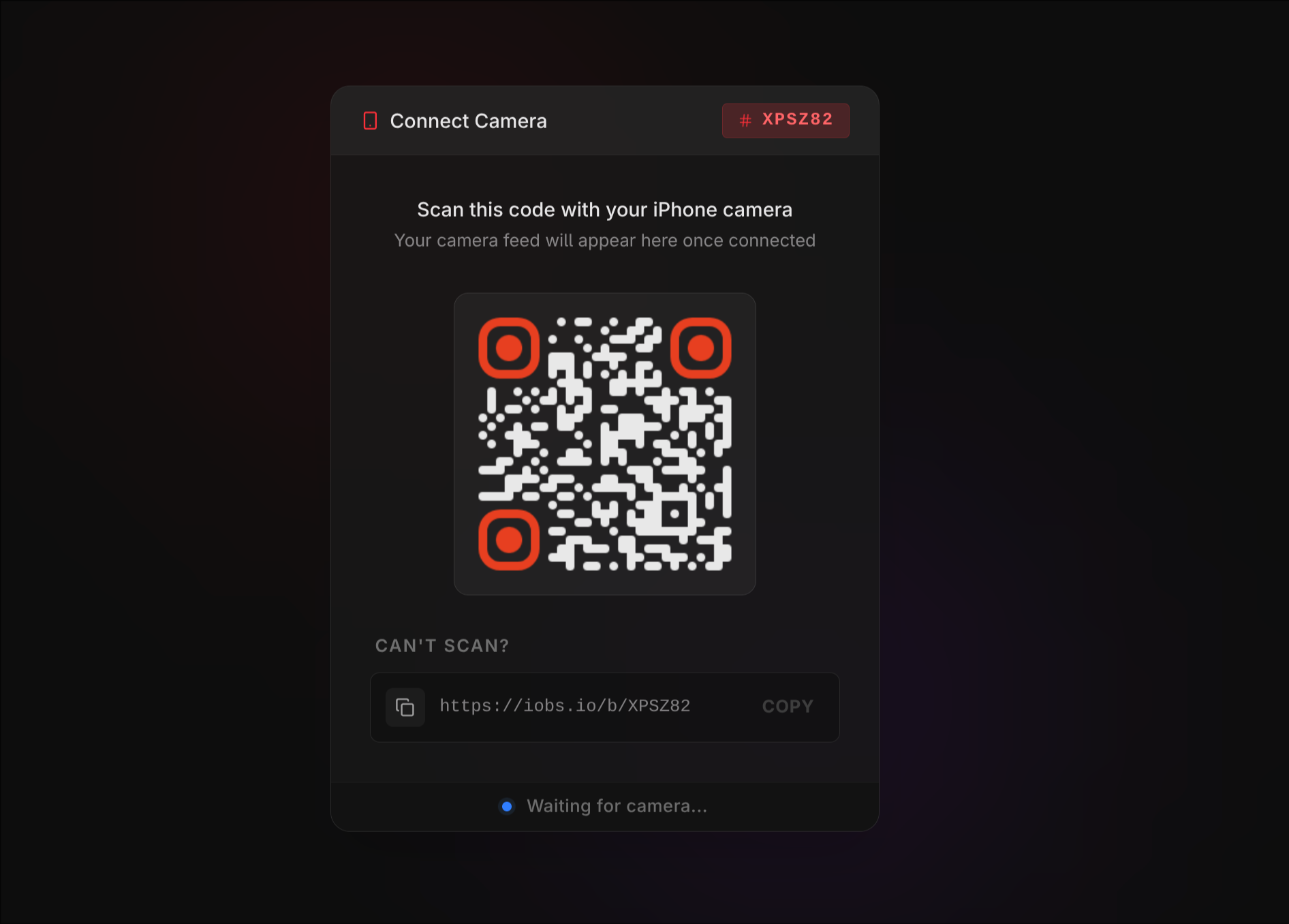
- QR Code Pairing — Scan and connect, no URLs to type
- P2P Streaming — Direct connection when possible, encrypted relay fallback for restrictive networks
- Coffee Shop Mode — Works on restrictive networks via Cloudflare Tunnel
- Auto-Reconnect — Network drops? It recovers automatically
- Dim Mode — 95% black overlay saves OLED battery during long streams
- Zero-UI OBS Source — Clean video, no overlays in your stream
Built For
- Live coders streaming from anywhere
- Tutorial creators needing an overhead angle
- IRL streamers with mobile setups
- Podcasters wanting a wireless mic option
- Multi-cam streamers adding angles fast
Technical Specs
- Video: Up to 4K (H.264)
- Audio: Configurable input, mute controls, level visualization
- Encryption: DTLS-SRTP end-to-end
- Browser: Any modern browser on iPhone and desktop
Open Source
IOBS is MIT licensed and open source.